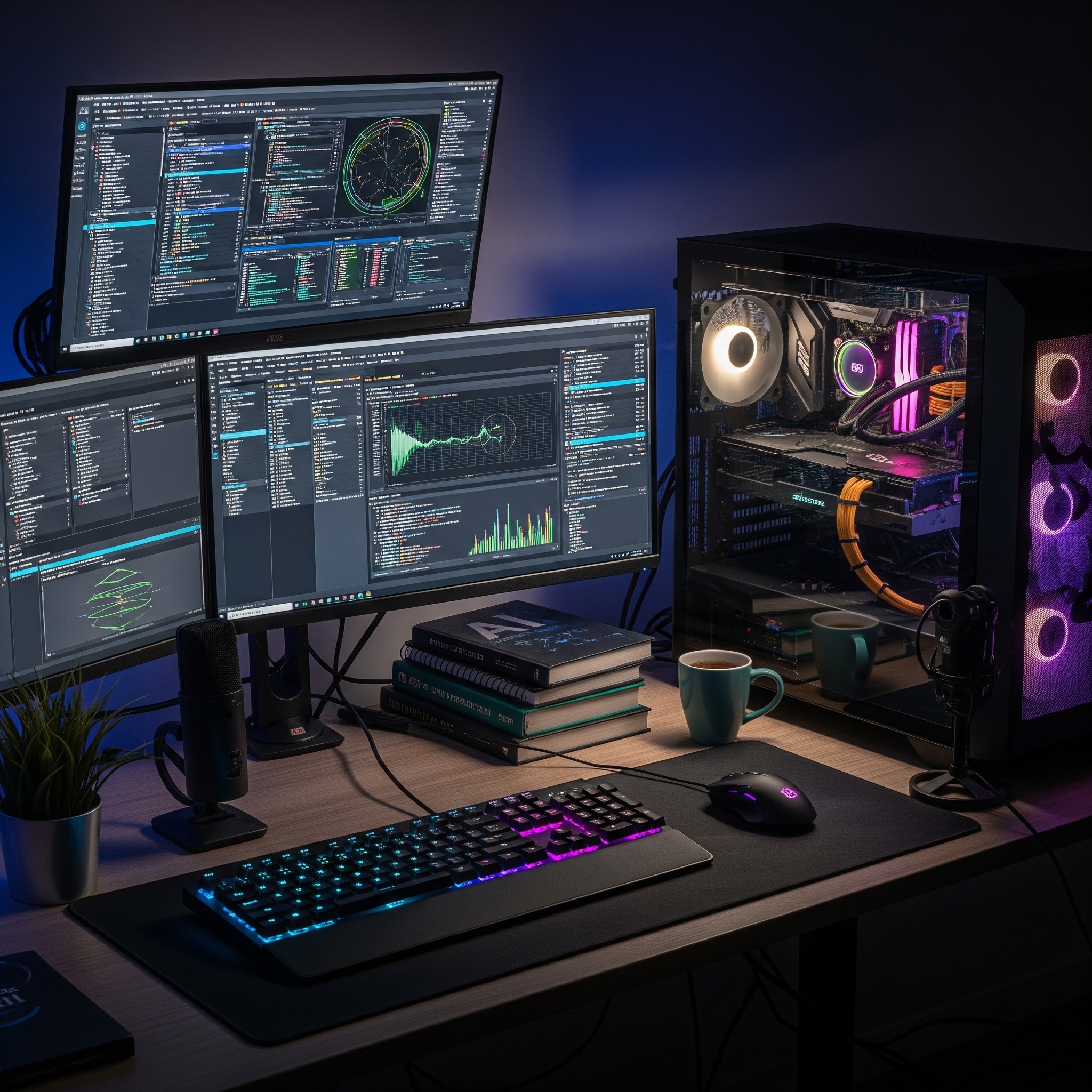
When I first dipped my toes into local AI, I was obsessed with finding the fastest, most expensive rig possible. I thought power was the only metric that mattered. I was wrong. After months of trial, error, and some expensive hardware mistakes, I realized that the goal of a local AI workstation is not to chase peak performance today, but to build a system that remains capable and flexible as the technology evolves. Cloud AI services are convenient, but they are subject to outages, censorship, and recurring costs. My goal was simple: to own a system that keeps working, regardless of internet connectivity or corporate policy changes.
The biggest mistake most people make when building an AI workstation is buying hardware first. They see a high benchmark score or a shiny GPU and assume it is the right choice. Instead, you need to answer a series of questions about your actual workflow. What do I actually use AI for? In my experience, my requirements shifted drastically once I started running models locally. I needed capabilities for:
I had to distinguish between my "nice-to-have" features and my "must-have" requirements. For instance, while high-end video generation was tempting, my immediate need was a robust system for coding and writing. By defining these needs first, I was able to stop shopping for "fastest" and start shopping for "most relevant." It saved me from buying unnecessary components that would have only added heat and noise to my desk without actually speeding up my workflow.
Understanding the hardware starts with understanding the constraints of local AI. If you do not grasp these fundamentals, you will almost certainly waste money. I spent a long time reading documentation and testing different models to understand how parameters, quantization, and memory actually interact. The most critical realization I had was that RAM matters far more than most beginners assume.
Key concepts that shaped my purchasing decision included:
I learned that local AI is not just about raw compute; it is about memory management and bandwidth. If you cannot fit your model and its context into memory, it will not run, or it will be painfully slow. Software optimization has become the hidden hero of the local AI movement, enabling decent performance on hardware that would have been considered underpowered just a year ago.
I evaluated every major form factor available: old desktops, gaming laptops, MacBooks, purpose-built AI laptops, and mini PCs. Each had distinct pros and cons. A gaming laptop, for instance, offers great raw power but often comes with terrible battery life and limited upgrade paths. A MacBook is excellent for power efficiency and unified memory but can be prohibitively expensive to configure with sufficient RAM for the long term.
I eventually settled on the Ryzen AI HX 370 with 64 GB of RAM. My choice was not based on it being the "fastest" option, but because it offered the best balance of the factors that mattered to me:
This machine was not perfect, but it was the most pragmatic choice. It solves my problems today while leaving the door open for tomorrow.
My final piece of advice is to resist the urge to buy everything at once. I treated my workstation like a roadmap rather than a single purchase. I wanted to build a system that grows as my skills and requirements change. My stage-based approach helped me save money and avoid "feature creep."
I intentionally did not buy a docking station, a fancy USB4 SSD, or expensive external monitors at the start. I focused the budget on the machine itself. Most of the "accessories" people buy are temporary fixes for hardware that wasn't chosen well in the first place. By buying only what solves today's problem, I kept my costs down and maintained the flexibility to adapt to new technology.
The goal was never to build the perfect computer. The goal was to build a system that could keep up with me. If you are just starting, do not be intimidated by the technical jargon. Start with your requirements, prioritize memory, and pick a platform that gives you room to grow.